
How to Create a Content Calendar for Instagram
Learn how to create a content calendar for Instagram: define pillars, map relevant dates, establish frequency, and produce content in batches to post consistently.
Serviço relacionado: Facebook Ads →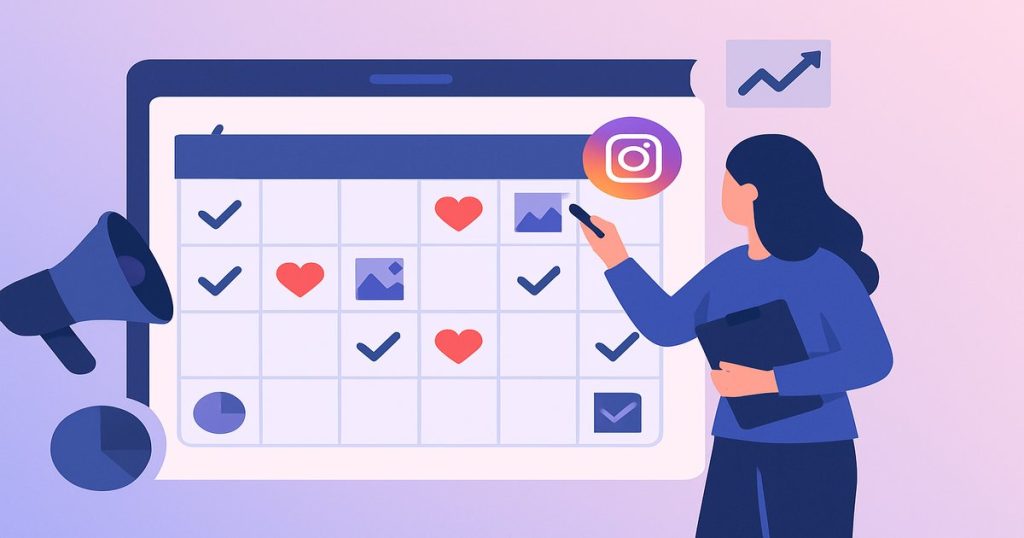
O que você vai conseguir: Instagram editorial calendar with a month of planned content ready for production.
Ferramentas necessárias
- Google Sheets or Notion — To create and share the editorial calendar.
- Later or Mlabs — To schedule posts and analyze engagement metrics.
Passo a passo
-
1
Define the brand's content pillars.
Choose 3–5 themes that your brand will consistently address. Example for an agency: (1) tips and education, (2) case studies and results, (3) behind-the-scenes of the team, (4) services and offers, (5) industry trends. Pillars prevent the paralysis of "what to post today" and ensure variety for the feed without losing the brand's focus.
-
2
Map the relevant dates of the month.
Open the calendar for next month and mark: national holidays, relevant commemorative dates for your segment, planned launches, events, seasonality. Contextual dates generate more organic engagement because they are relevant at the moment they appear in the feed.
-
3
Define frequency and format by pillar.
Establish how many times a week you will post in each format: feed (3–5x/week), Stories (every day, 3–7 Stories), Reels (2–3x/week). For Reels, prioritize educational themes with a strong hook in the first 3 seconds. Consistency matters more than high frequency.
-
4
Create the calendar in a spreadsheet.
In Google Sheets or Notion, create a table with columns: Date, Day of the week, Pillar, Format (feed/reels/stories), Theme/Title, Caption (draft), Creative (photo/video), Status (to do / in production / scheduled / published), Responsible. Fill in the entire month at once for an overview.
-
5
Produce content in bulk
Set aside a fixed block of 3–4 hours per week to create all the content for the following week at once. Batch production is more efficient than creating post by post: you enter a creative flow state once and don’t waste time switching between creation and other tasks.
-
6
Schedule, publish, and monitor results
Use Instagram's native scheduling (via Meta Business Suite) or tools like Later or Mlabs to schedule posts in advance. After 7 days, analyze which posts had the most saves, shares, and comments. Produce more of what is working.